Making multi-location delivery stops easier to navigate

At Amazon Flex, we are committed to helping you make the most of your time on the road. We know that locating packages at multi-location stops, like apartment complexes and office buildings, can be challenging. That is why we are introducing key changes to make your delivery experience at multi-location stops smoother and more intuitive.
Easily gather packages at multi-location stops
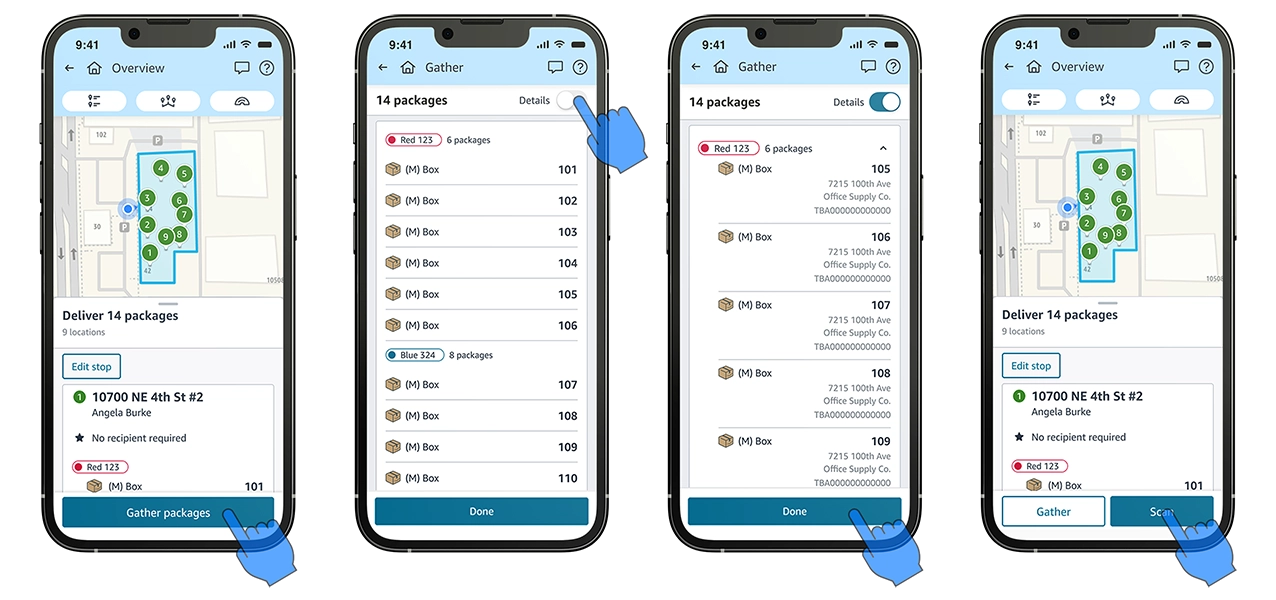
When delivering to a stop with multiple delivery locations, we know how important it is for you to be able to quickly and easily organize all the packages you need to deliver. The new Gather feature in the Amazon Flex app makes that easy to do on one screen. For any stop with multiple packages across two or more delivery locations, after you tap “I’ve parked” the Amazon Flex app will prompt you to “Gather packages”. You will see all packages grouped by location on a single screen. If you would like to review more information about any package such as the address, tap “Details” at the top of the Gather screen. Once you have all your packages organized, you can proceed to the delivery location confident you will not have to return to your vehicle for a missed package.
We hope these improvements help make it easier for you to complete blocks with multi-location stops efficiently. We will continue to invest in improving your experience with Amazon Flex and designing delivery routes that help you make the most of your time.
Related Blog Posts

Helping delivery partners with fuel expenses
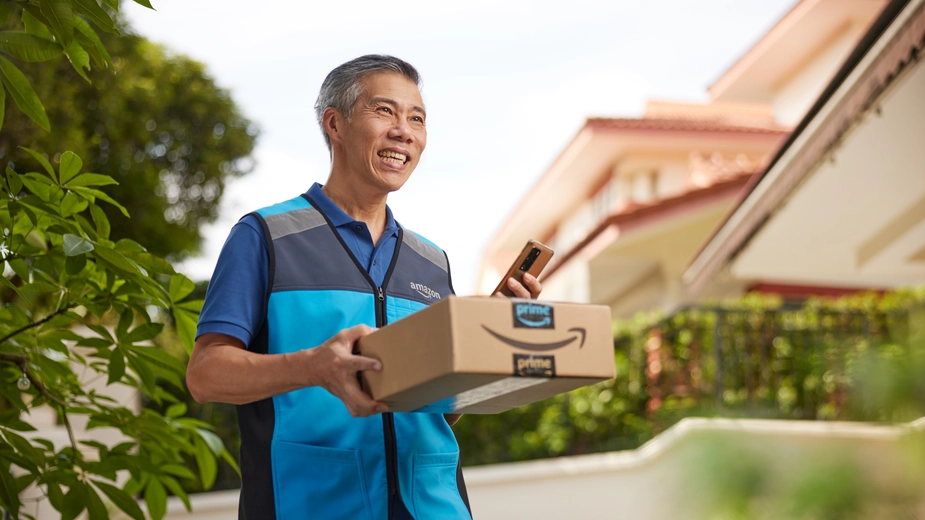
Location-based information and support at your fingertips
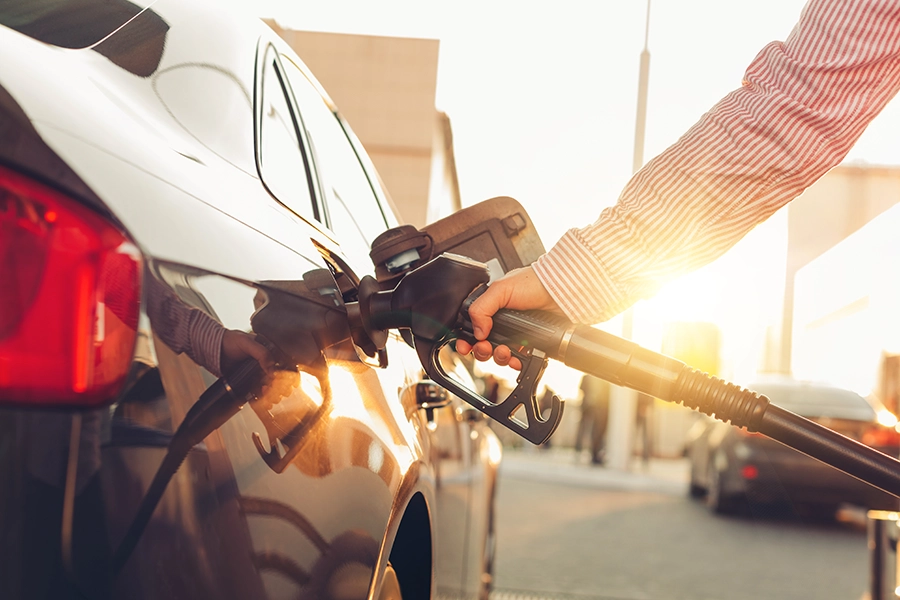
Delivery partners save more on fuel from March 16 to April 15, 2026

Amazon Now offers delivery partners more flexible ways to earn
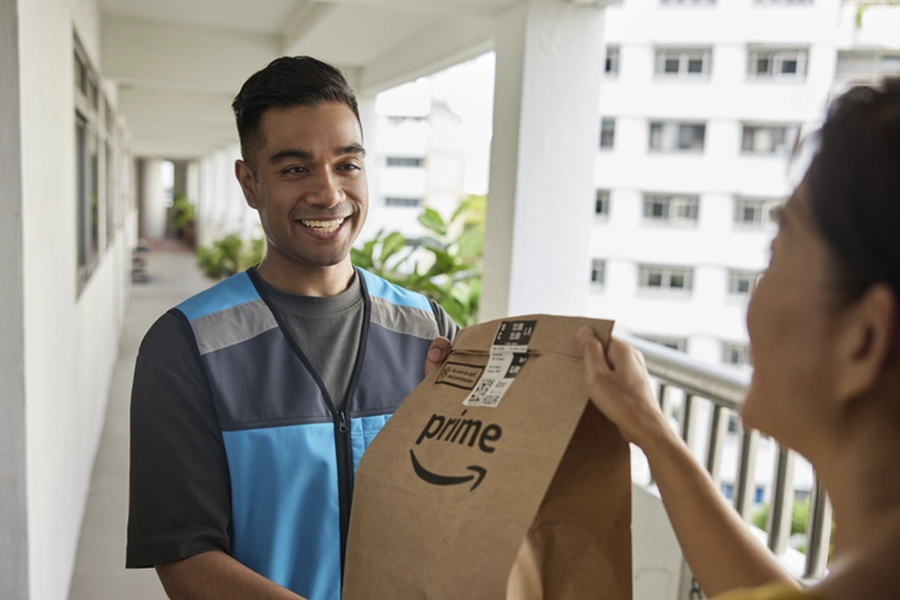
Learn from delivery partners about how they deliver a high-quality customer experience
Keeping you safe during severe weather
Download the Amazon Flex app
Create an account to set your schedule, see your earnings upfront, and start delivering with confidence.