Safety cues help keep you safe while delivering
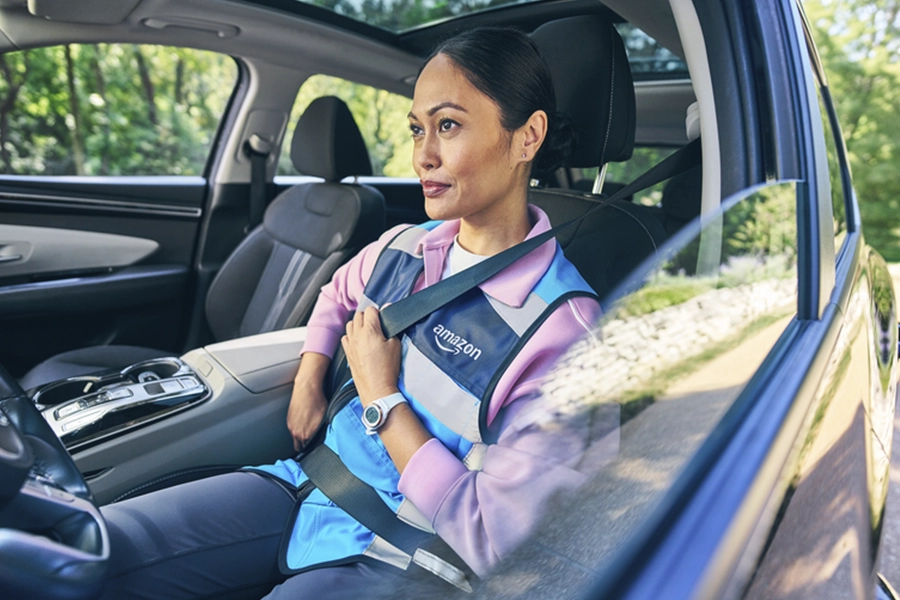
Road safety matters for you and the communities you deliver in. That’s why we’re always adding new features to the Amazon Flex app that help you stay aware and deliver with confidence.
Safety Alerts Before You Drive
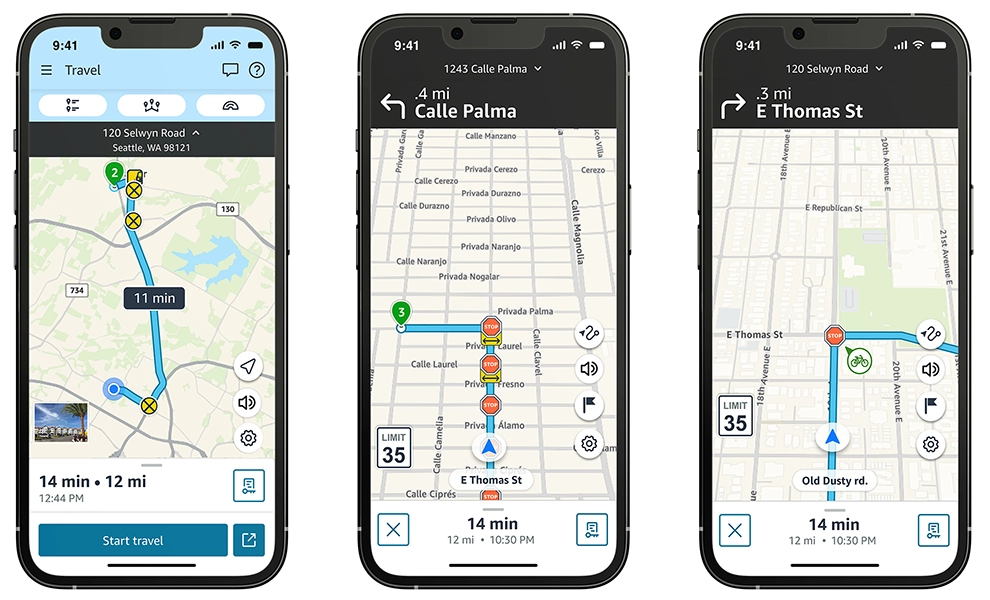
Before you start your delivery block, the app now highlights key alerts along your route to give you more visibility so you can plan ahead and stay safe. These include:
- School zones, unpaved roads, and railroad crossings
- Risky intersections, weigh stations, and low-clearance areas
- Two-way stop intersections: where only one direction has stop signs and the cross street does not
- Nearby bike lanes: on the road, next to the road, or in parking areas
Keep in mind that Amazon Flex maps may not capture all relevant updates. You may find that actual conditions differ from map results, so always stay alert and use your best judgment while driving.
Share Your Feedback
You can provide detailed feedback about the Amazon Flex app navigation experience by clicking the gear icon in the lower right-hand corner of the map view and then “Report a problem.” Once we have resolved the issue or have an update to share, we’ll send you a message in the “Updates” section of the app.
Your safety is our top priority. We’re committed to helping create a safer environment for all road users and will continue to develop tools and new technologies that help keep you safe and delivering confidently during every block.
Related Blog Posts

Improving your experience in the updated Amazon Flex app

Meet two delivery partners balancing motherhood and flexibility

Enjoy more earning opportunities with shorter Sub Same-Day delivery options
Amazon is helping keep delivery partners safe when delivering around pets

Making multi-location delivery stops easier to navigate

Helping delivery partners with fuel expenses
Download the Amazon Flex app
Create an account to set your schedule, see your earnings upfront, and start delivering with confidence.