

Staying safe when delivering in the dark
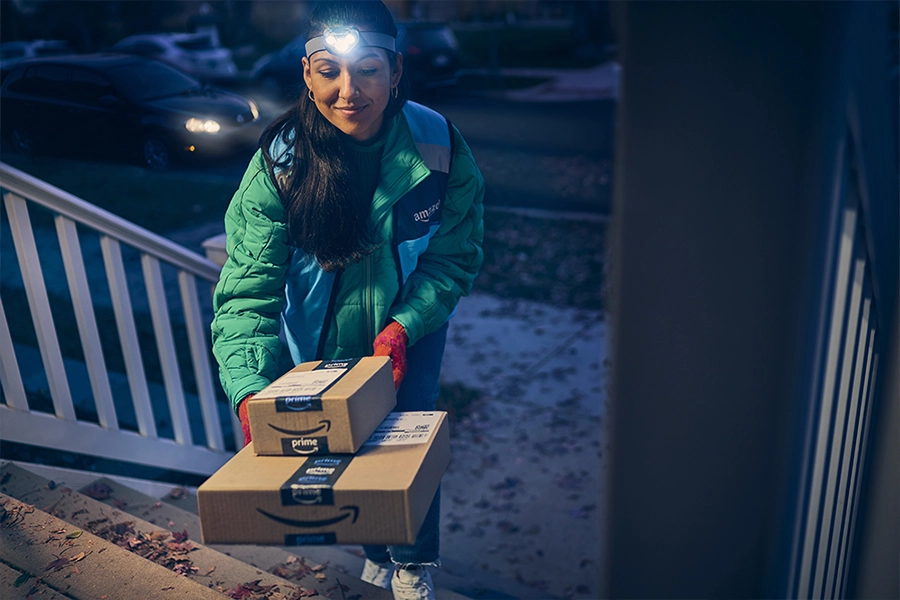
With fewer daylight hours during winter, it’s important to stay safe when delivering in the dark. Here are some tips and recommendations to help you safely deliver during dusk, nighttime, and early morning hours.
Preparing for your route
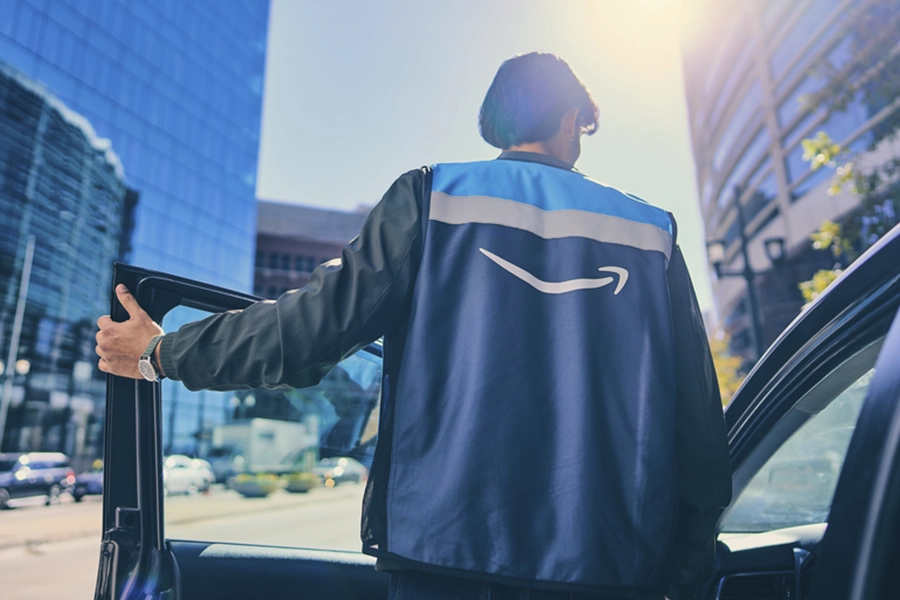
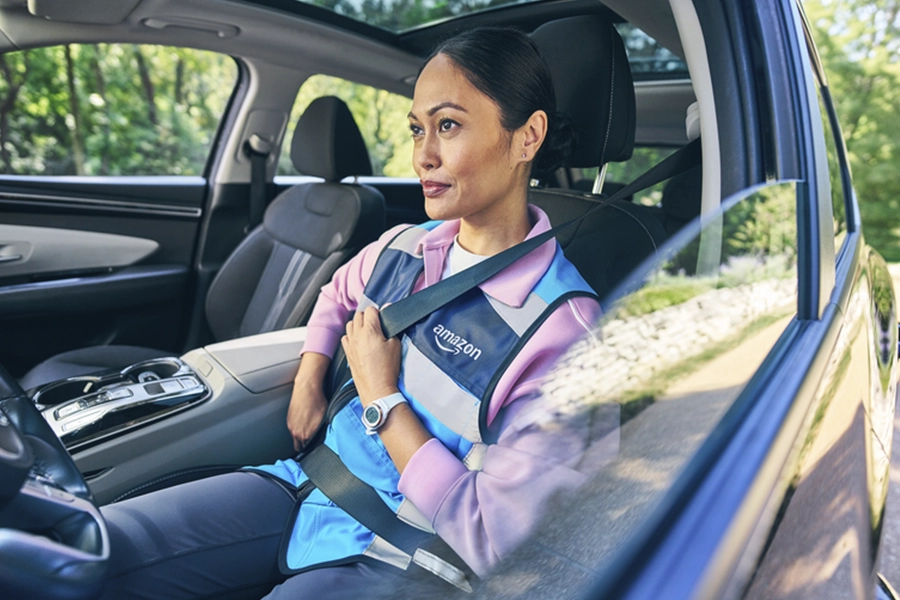
Before you begin your delivery block, remember to bring a flashlight or headlamp to light up dark spots at delivery stops. We recommend wearing a safety vest as your outermost layer. Amazon-branded safety vests are available at the delivery station at no cost to you. We’ve designed these vests using reflective technology so you stay visible to vehicles and customers in the dark.
For increased readability when it’s dark, you can also enable Dark Mode in the Amazon Flex app. This helps reduce eye strain in low-light environments. To turn Dark Mode on or off, go to the Main Menu > Settings > Display theme.
On the road
In low visibility, including before dawn or after dusk, make sure your headlights are on when it’s dark outside. On the road, keep more distance between you and the vehicle in front of you to give yourself more time to react. It’s also important to watch out for pedestrians and wildlife, especially in poorly lit areas.
Before you arrive at a delivery stop, use the “Notify of Arrival” feature in the Amazon Flex app to send a message to the customer to let them know you’re on your way. This means they won’t be surprised to have someone at their door. You can use this feature to ask them to turn on outdoor lights for added visibility, or to secure pets. Tap the question-mark icon (?) > Text the Customer > Notify of Arrival.
At delivery stops
When you arrive at a delivery stop, check for any customer notes before leaving your vehicle. This allows you to stay focused on your surroundings when visibility is lower. Always lock your doors, do not leave your car running unattended, and park in well-lit areas wherever possible to be safe as you step out of your car.
When approaching a customer’s house, watch out for trip hazards such as toys or uneven sidewalks, and use walking paths. If you can’t find a customer’s address, you can reach out to the customer in the Amazon Flex app between 8 a.m. and 8 p.m. If you’re delivering outside these hours, or have any questions while delivering, reach out to Driver Support using the Help menu in the upper right-hand corner of the screen in the Amazon Flex app.
Related Blog Posts

Save on fuel, dining, childcare, and more with Amazon Flex Rewards
Making the delivery station check-in process more efficient
Meet a delivery partner earning on her own schedule this school year
Celebrating Driver Appreciation Week
Navigating building entrances with ease
Safety cues help keep you safe while delivering
Download the Amazon Flex app
Create an account to set your schedule, see your earnings upfront, and start delivering with confidence.