Safety features in the Amazon Flex app

At Amazon Flex, we’re always working to help you and the communities you serve stay safe. There are several safety features in the Amazon Flex app you can use when you deliver. For even more safety resources, visit the Learning Portal in the Amazon Flex app or our safety webpage.
Notify of arrival
The “Notify of Arrival” feature in the Amazon Flex app lets you send a short, pre-populated text to the next customer on your route. The text reminds customers to expect you and asks them to ensure pets are secure and pathways are well lit and clear of hazards. This helps you and the customer have the best possible experience.
Customer chat
The customer contact option in the Amazon Flex app lets you reach out to customers with delivery questions through an Amazon number, rather than your personal phone number. This helps you get the information you need to make a successful delivery, while keeping your personal phone number private.
Dog alerts:
A paw print icon in the Amazon Flex app delivery notes tells you there might be a dog at that location based on reports from customers or delivery partners. If you see a paw print icon, you’ll also find related safety suggestions you can use when you arrive. If a dog is present at a delivery location without a paw print icon, you can easily add one to help alert fellow delivery partners.
Dark mode:
Dark Mode changes the color contrast in the Amazon Flex app in low-light environments. This helps reduce eye strain and makes it easier to see the screen.
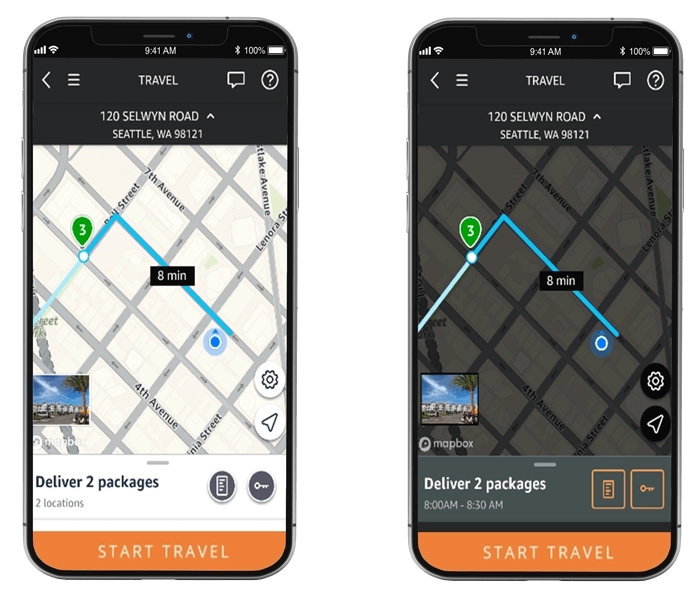
Optimized maps:
Maps in the Amazon Flex app include several safety features. Maps display known speed limits and road closure alerts, in addition to live traffic conditions. You can also download maps from the Amazon Flex app to help you reliably get where you’re going even when you're offline.
Emergency assistance
If you have an emergency when you’re delivering, the “Emergency Help” button gives you the option to contact 911 or the Amazon Emergency Helpline for assistance reporting a safety concern or accident. If you need emergency services, always call 911 before contacting the Amazon Emergency Helpline.
If you arrive at a delivery location and do not feel safe, you can contact Support through the Amazon Flex app. You are never expected to make a delivery if you feel unsafe.
Related Blog Posts

Amazon Now offers delivery partners more flexible ways to earn

Learn from delivery partners about how they deliver a high-quality customer experience
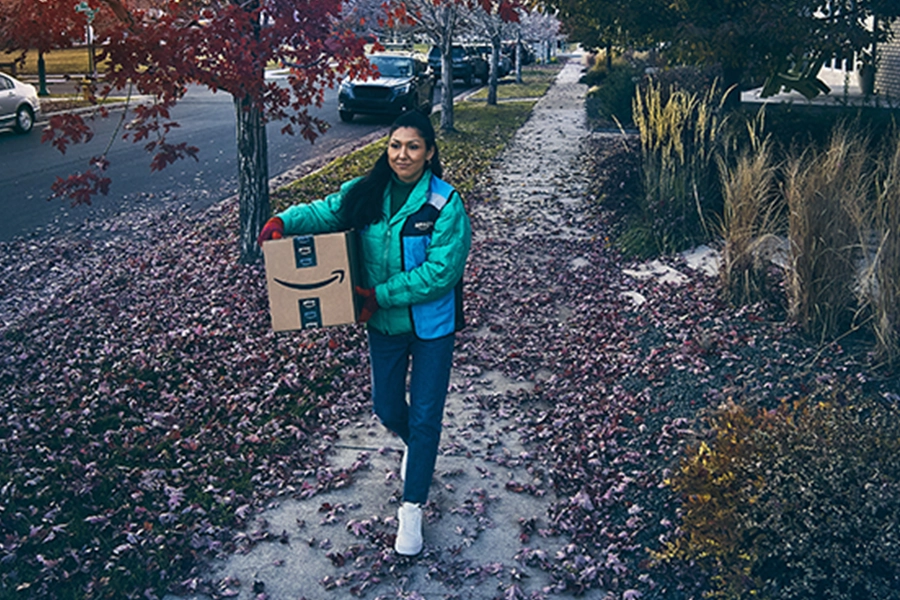
Keeping you safe during severe weather
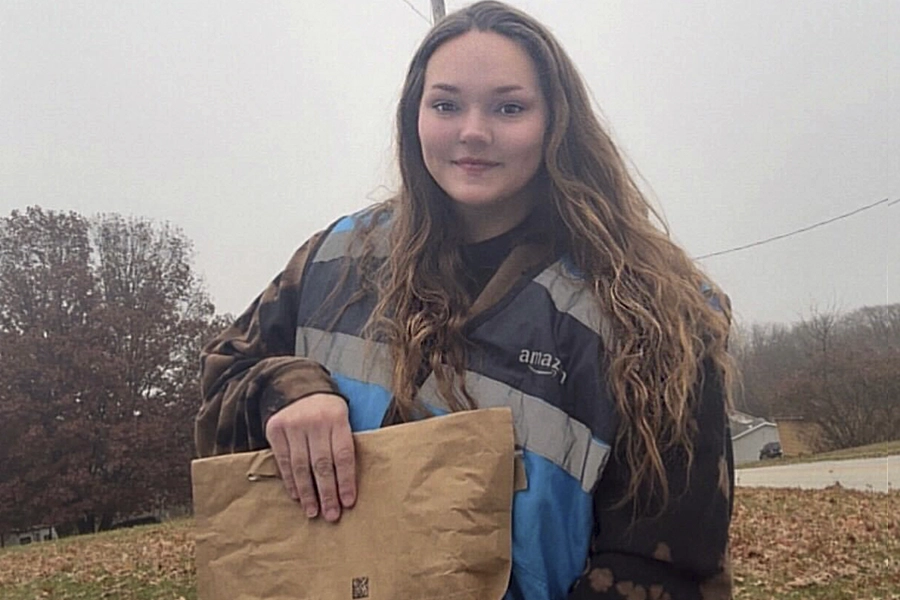
Meet a delivery partner who saved a home from a fire while delivering

Thank My Driver is back!
Amazon Flex Store offers items to help keep you safe when delivering
Download the Amazon Flex app
Create an account to set your schedule, see your earnings upfront, and start delivering with confidence.